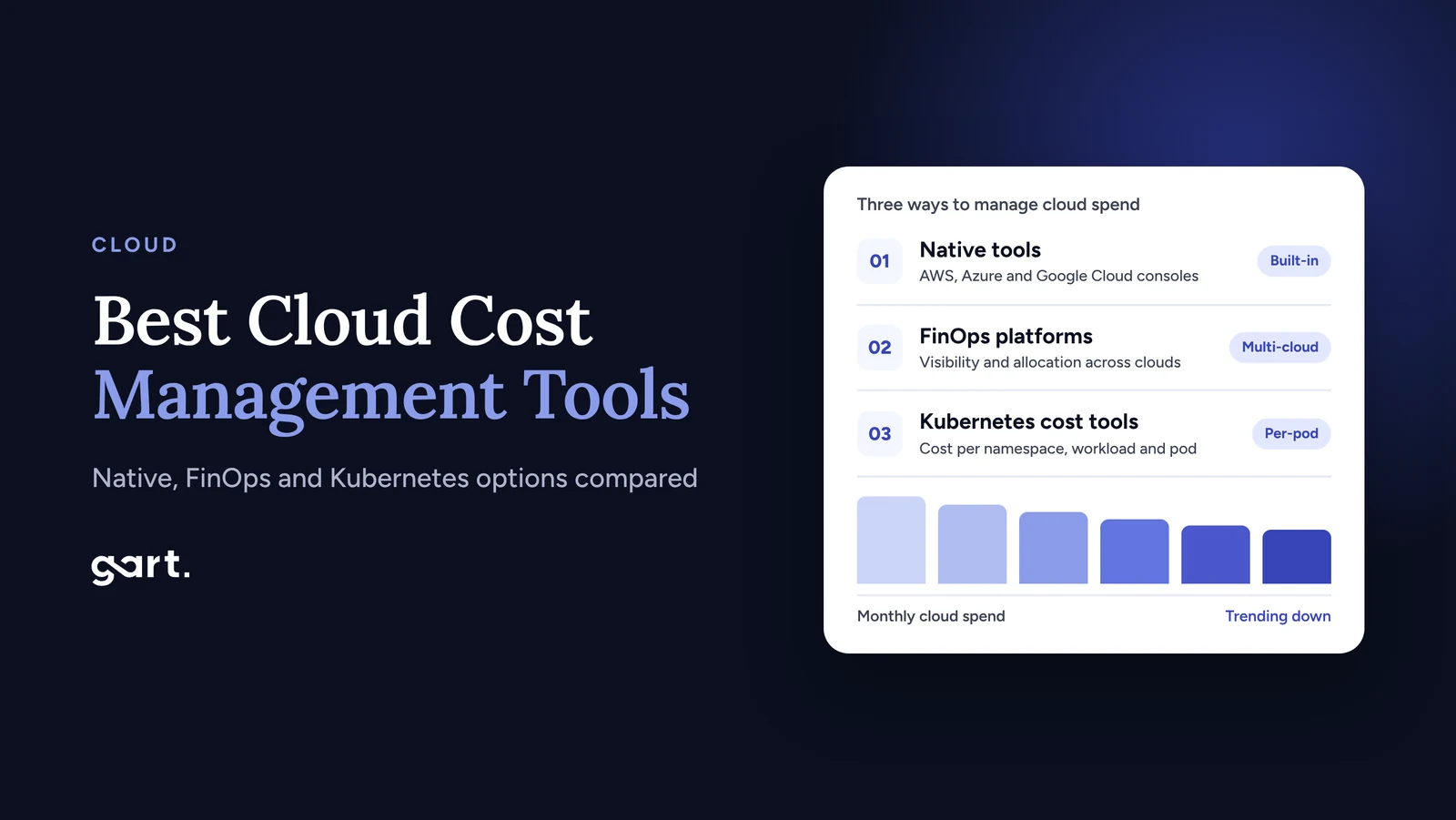
Quick answer: what are the best cloud cost management tools?Start with the free native tools: AWS Cost Explorer and Cost Optimization Hub, Azure Cost Management and Google Cloud Billing reports. Multi-cloud teams usually add a FinOps platform such as IBM Cloudability, Flexera One, CloudZero, Vantage or Finout for allocation, forecasting and unit economics. For Kubernetes, use OpenCost or Kubecost, and for discounts, a commitment automation tool. A tool only shows where money goes, though. Savings come from engineers acting on that data.
Cloud bills keep getting more complex: several providers, Kubernetes clusters, SaaS subscriptions and now AI and GPU spend. Cloud cost management tools bring that data together, show who spends what and point to savings. Choosing one is harder than it looks, because the market has consolidated quickly and many tools overlap.
This guide compares the main categories and the leading tools in each, explains how to choose, and shows what it takes to turn a dashboard into real savings. It is written by the engineers behind Gart Solutions’ cloud computing services, who implement cost visibility and run optimization projects on AWS, Azure, Google Cloud and Kubernetes. We are a services company, not a tool vendor, so we have no product to push.
Not sure which tool you need, or if you need one at all? In a free 30-minute call, a Gart engineer will look at your cloud setup and recommend the simplest option that works.Get a free recommendation
What Cloud Cost Management Tools Do
Good cloud cost management software covers five jobs. Few tools do all of them equally well, so it helps to know which ones matter most to you.
CapabilityWhat it meansWho needs it mostVisibility and reportingOne view of spend across accounts, providers and servicesEveryoneAllocation and unit economicsCost per team, product, customer or feature, including shared costsSaaS companies, multi-team organisationsBudgets, forecasts and anomaly alertsEarly warning before a spike becomes an invoiceFinance and engineering leadsOptimization recommendationsRightsizing, idle resources, storage tiers, commitmentsTeams with growing billsAutomationBuying and managing commitments, scaling and scheduling without manual workLarger estates with steady workloads
The scope is widening fast. According to the State of FinOps 2026 survey of 1,192 practitioners, 98% of organisations now manage AI spend, up from 63% in 2025, and most also manage SaaS and licensing costs. That is why newer tools emphasise AI, GPU and SaaS visibility alongside classic cloud spend.
The Best Cloud Cost Management Tools by Category
Native cloud provider tools
ToolBest forStrengthsLimitsAWS Cost Explorer, Budgets and Cost Optimization HubAWS-only teamsFree, detailed, built-in rightsizing and commitment recommendationsAWS only; allocation depends on your taggingAzure Cost ManagementAzure and Microsoft-centric teamsFree, budgets, exports, Advisor recommendationsLimited for other cloudsGoogle Cloud Billing reports and FinOps hubGoogle Cloud teamsFree, BigQuery export, commitment and rightsizing insightsGoogle Cloud only
For a single-cloud company with good tagging, native tools often cover 80% of what is needed. Most teams should master them before paying for a platform.
Multi-cloud FinOps platforms
ToolBest forNotesIBM Apptio CloudabilityLarge enterprises with finance-led FinOpsStrong budgeting, forecasting, showback and chargeback; part of IBM’s FinOps suiteFlexera OneEnterprises managing cloud, SaaS and licences togetherExpanded through the acquisition of Spot by NetApp in 2025, adding container and commitment managementVMware Tanzu CloudHealthExisting CloudHealth customers and MSPsMature multi-cloud reporting and policies; now under BroadcomCloudZeroSaaS companies focused on unit economicsCost per customer, product or feature without perfect taggingVantageStartups and mid-size teams wanting quick visibilityFast setup, many integrations, free starter tierFinoutTeams combining cloud, Kubernetes and SaaS billsVirtual tagging and shared-cost allocationDatadog Cloud Cost ManagementTeams already using DatadogCost next to performance metrics in the same toolHarness Cloud Cost ManagementTeams using Harness for CI/CDCost data inside the delivery platform, auto-stopping idle resources
Kubernetes cost tools
ToolBest forNotesOpenCostFree, vendor-neutral Kubernetes cost allocationOpen source CNCF projectKubecostDeeper Kubernetes cost insights and recommendationsBuilt on OpenCost, now part of IBM
For strategies beyond tooling, see our guide to Kubernetes cost optimization.
Commitment automation and pre-deployment estimates
ToolWhat it doesProsperOpsAutomatically buys and manages Savings Plans and reserved capacity; reported to have been acquired by Flexera in early 2026nOpsCommitment automation and optimization, mainly for AWSInfracostShows the cost of Terraform changes in pull requests, before anything is deployed
Already have a tool but the bill keeps growing?
Dashboards show the problem. Gart engineers fix it: we turn recommendations into changes in your infrastructure, with no risk to reliability.
Cloud cost audit across AWS, Azure, Google Cloud and Kubernetes
Rightsizing, autoscaling, storage cleanup and commitment planning
Tagging, allocation and monthly cost reviews per team
Order a cloud cost auditTalk to an engineer
How to Choose a Cloud Cost Management Tool
Your situationStart withOne cloud, spend under about $50,000 per monthNative tools plus good taggingTwo or more clouds, several teamsA multi-cloud platform such as Vantage, Finout or CloudZeroLarge enterprise with finance-led processesIBM Cloudability or Flexera OneHeavy Kubernetes usageOpenCost or Kubecost, connected to your main toolLarge steady compute spendCommitment automationEngineers deploy infrastructure as codeInfracost in your pull requestsGrowing AI and GPU spendA platform with AI and GPU cost views
Before you sign, check five things: support for all your providers and Kubernetes, how shared costs are split, whether data follows the FinOps Foundation’s open FOCUS billing specification (which makes switching tools easier), the pricing model (flat fee or a percentage of spend), and how much engineering time setup will take.
Tools vs Services: Why a Dashboard Is Not Enough
Many companies buy a cost tool, get a list of recommendations and then nothing changes. The reasons are always the same: engineers are busy with features, nobody owns the changes, and some recommendations are risky without context.
What a tool gives youWhat still needs peopleA list of oversized instancesTesting smaller sizes without breaking performanceCommitment recommendationsDeciding what is truly steady after optimizationUnallocated cost reportsDesigning and enforcing a tagging strategyKubernetes cost per namespaceChanging requests, autoscalers and node poolsAnomaly alertsFinding the cause and fixing it in code or configuration
That is the gap Gart fills. We help you pick and set up the right tool, then do the engineering work that actually reduces the bill, following FinOps best practices.
Turn cost reports into savings. Gart sets up cost visibility, tagging and alerts, then implements the changes that cut your bill.See our cloud services
Case Studies: Savings Delivered by Gart Engineers
ClientWhat we didResultFluentUBuilt a verified cost baseline from AWS Cost Explorer data, then migrated the platform to cost-efficient infrastructure in phasesAbout 78% lower infrastructure spend, roughly $87,000 saved per yearJewelry manufacturer, AI visionRedesigned video processing on Azure Spot virtual machinesAbout 81% lower cost than the initial estimate, $4,263 saved per monthAzure storage optimizationFound and removed hidden storage operation costs in AzureThousands saved on recurring storage charges
Why Work with Gart on Cloud Cost Management
What you getWhy it mattersTool-neutral adviceWe do not resell any cost platform, so we recommend what fits, including free native toolsEngineers, not just analystsWe implement the changes in your cloud and Kubernetes setupMulti-cloud experienceAWS, Azure, Google Cloud, OVHcloud, Hetzner and on-premiseReliability firstEvery saving is checked against performance and availability targetsLasting resultsTagging, budgets and team reviews keep savings from creeping back
Related guides: cloud cost optimization strategies, cloud cost models, AWS cost optimization and Azure cost optimization.
Find out how much of your cloud bill you can cut.
Book a free consultation with a Gart cloud engineer. We will review your current spend, tools and setup, and show you the quickest wins.
Free 30-minute review of your cloud bill and tooling
Recommendation on which cost tool you need, if any
Optional full cost audit and hands-on optimization
Book a free consultationOrder a cost audit
You Might Also Like
Kubernetes Cost Optimization: 12 StrategiesFinOps Best Practices and Cloud Cost Management StrategyWhat Are the Cloud Cost Models?Cloud Cost Optimization
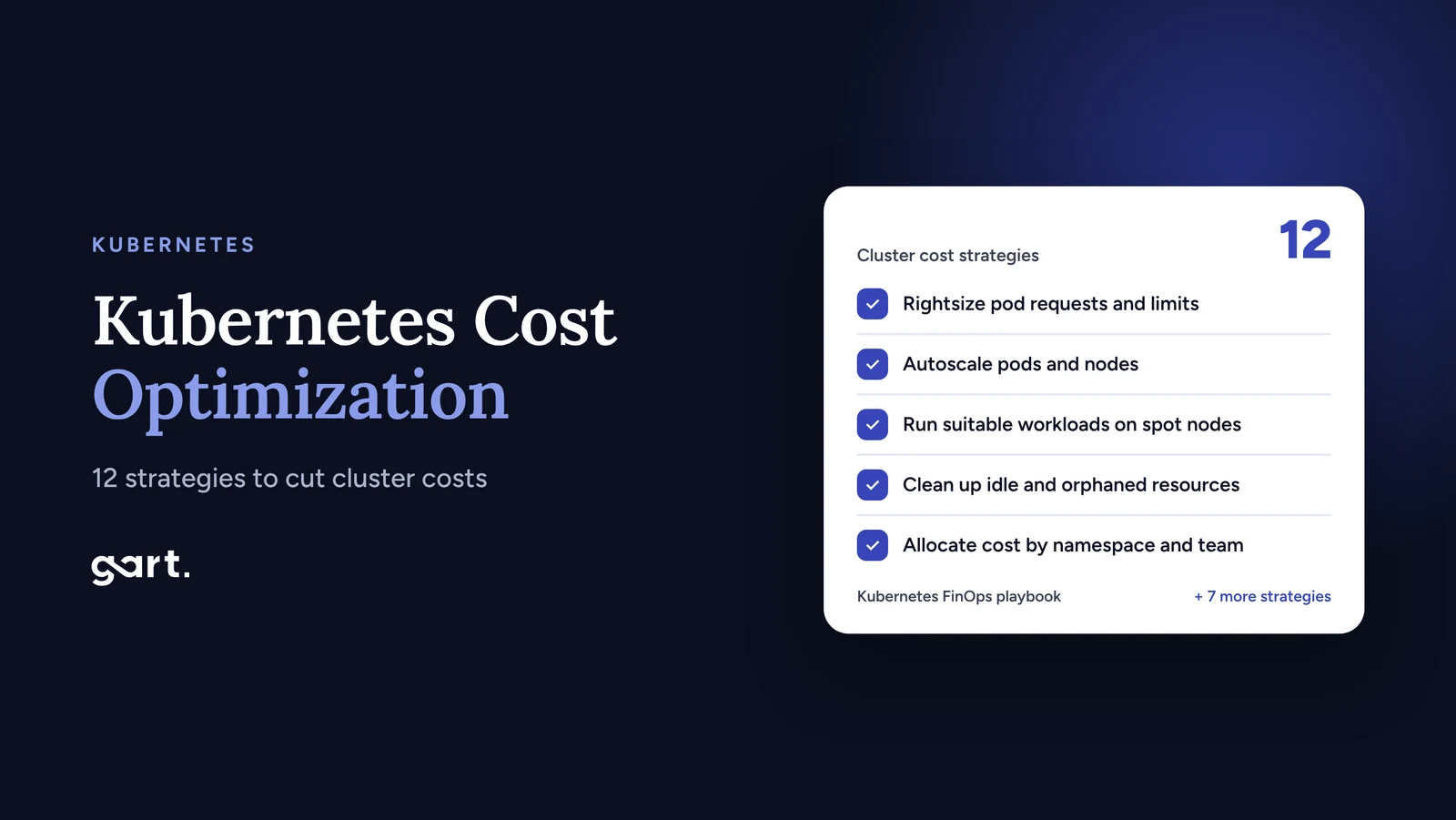
Quick answer: how to optimize Kubernetes costsKubernetes cost optimization means paying only for the capacity your workloads actually use. The biggest savings come from rightsizing CPU and memory requests, autoscaling pods and nodes (HPA, VPA, Karpenter or Cluster Autoscaler), running fault-tolerant workloads on spot instances, choosing cheaper node types such as ARM, shutting down idle environments and making costs visible per team with tools like OpenCost. Most clusters can cut compute spend by 30% to 60% without hurting reliability.
Kubernetes makes it easy to scale, and just as easy to overspend. Teams set generous CPU and memory requests to stay safe, clusters keep extra nodes "just in case", and nobody sees the bill per service. The result is a cluster that looks healthy but runs mostly empty.
This guide covers practical Kubernetes cost optimization strategies, the tools that support them and a 90-day plan to put them in place. It is based on the work of Gart Solutions’ Kubernetes consulting team, who build and optimize clusters on AWS, Azure, Google Cloud and European providers.
How much is your cluster wasting? Book a free 30-minute call and a Gart Kubernetes engineer will show you where to look first in your EKS, AKS or GKE setup.Get a free cost check
Why Kubernetes Costs Get Out of Control
The numbers are striking. An analysis of tens of thousands of clusters on AWS, Azure and Google Cloud found average CPU utilization of just 8% in 2025 and memory utilization of 20%, both lower than the year before, as Cloud Native Now reported. CPU over-provisioning rose to 69% of clusters, memory over-provisioning reached 79%, and GPUs, the most expensive resource of all, averaged around 5% utilization.
8%average CPU utilization
20%average memory utilization
69%of clusters over-provision CPU
5%average GPU utilization
The causes are rarely technical limits. They are habits and missing feedback loops:
CauseWhat happensInflated resource requestsDevelopers request 2 CPUs "to be safe" for a service that uses 0.2, and the scheduler reserves the full amountStatic node poolsNodes sized for peak traffic run all day and all weekendOnly on-demand instancesStateless and batch workloads pay full price when spot capacity would doIdle environmentsDev, test and preview environments run 24/7 but are used 40 hours a weekNo cost visibilityNobody knows which team, namespace or feature drives the billHidden extrasLogs, persistent volumes, load balancers and cross-zone traffic grow quietly
12 Kubernetes Cost Optimization Strategies
#StrategyTypical impactEffort1Rightsize CPU and memory requestsHighMedium2Autoscale pods with HPA, VPA and KEDAHighMedium3Autoscale nodes with Karpenter or Cluster AutoscalerHighMedium4Run fault-tolerant workloads on spot instancesVery highMedium5Pick cheaper node types, including ARMMediumLow to medium6Improve bin packing and consolidate nodesMediumLow7Schedule non-production environments off-hoursMediumLow8Share and right-size GPUsVery high for AI workloadsMedium to high9Clean up storage, logs and load balancersMediumLow10Reduce cross-zone and egress trafficMediumMedium11Cover the stable baseline with commitmentsMedium to highLow12Make costs visible per team and enforce guardrailsEnables all the aboveMedium
1. Rightsize CPU and memory requests
Requests decide how much capacity the scheduler reserves, and therefore how many nodes you pay for. Compare requests with real usage over two to four weeks (95th percentile for CPU, peak for memory), then lower them with a safety margin. Keep memory limits to prevent noisy neighbours, but be careful with CPU limits, which often cause throttling without saving money.
resources:
requests:
cpu: "250m" # based on observed p95 usage plus margin
memory: "512Mi" # based on observed peak usage plus margin
limits:
memory: "768Mi" # protects the node from memory leaks
2. Autoscale pods with HPA, VPA and KEDA
The Horizontal Pod Autoscaler adds and removes replicas based on CPU, memory or custom metrics. The Vertical Pod Autoscaler recommends or applies better requests over time. KEDA scales on events such as queue length, and can scale to zero. A key change: in-place Pod resize became stable in Kubernetes 1.35, so CPU and memory can now be adjusted on running pods, often without a restart. That makes vertical scaling far less disruptive than before.
3. Autoscale nodes with Karpenter or Cluster Autoscaler
Pod autoscaling only saves money if nodes follow. Cluster Autoscaler adds and removes nodes in existing groups. Karpenter goes further: it picks the cheapest instance type that fits pending pods and consolidates underused nodes automatically. On EKS, moving from fixed node groups to Karpenter is often the single largest saving.
4. Run fault-tolerant workloads on spot instances
Spot and preemptible instances cost a fraction of on-demand prices. Stateless web services, CI runners, batch jobs and many AI processing pipelines tolerate interruptions well. Use several instance types, spread across zones, set PodDisruptionBudgets and keep a small on-demand base for critical pods.
5. Pick cheaper node types, including ARM
Newer instance generations and ARM-based nodes such as AWS Graviton, Azure Cobalt and Google Axion usually give better price-performance. Build multi-architecture container images so workloads can move freely, and test performance before switching critical services.
6. Improve bin packing and consolidate nodes
Many small nodes waste capacity in fragments, while a few very large nodes increase blast radius. Choose node sizes that match your typical pod shapes, remove unnecessary anti-affinity rules and let your autoscaler consolidate half-empty nodes.
7. Schedule non-production environments off-hours
A development cluster used 10 hours a day on weekdays is idle about 70% of the week. Scale non-production namespaces to zero at night and at weekends, and give preview environments an automatic expiry date.
8. Share and right-size GPUs
GPU nodes are the fastest way to burn budget. Use GPU sharing (time slicing or Multi-Instance GPU on supported NVIDIA cards), scale inference to zero when there is no traffic, queue batch jobs with tools such as Kueue, and match GPU type to model size instead of defaulting to the largest card.
9. Clean up storage, logs and load balancers
Orphaned persistent volumes, old snapshots, verbose logs kept for months and one load balancer per service add up. Set retention policies, use a shared ingress controller and review unattached volumes every month.
10. Reduce cross-zone and egress traffic
Traffic between availability zones and out to the internet is billed by most clouds. Use topology-aware routing to keep calls in the same zone where possible, cache aggressively and put a CDN in front of public content.
11. Cover the stable baseline with commitments
Once autoscaling and rightsizing are in place, the remaining steady baseline is predictable. Cover it with Savings Plans, reservations or committed use discounts. Do this after optimization, not before, or you will commit to waste. Our guide to cloud cost models explains the options.
12. Make costs visible per team and enforce guardrails
Label workloads by team, product and environment, and show each team its own costs. Add ResourceQuotas and LimitRanges per namespace, and use policy as code to block pods without requests. This is where Kubernetes cost management meets FinOps best practices: engineers make better choices when they see the cost of those choices.
Get a Kubernetes cost audit with a savings plan you can act on.
Gart engineers analyse your clusters, workloads and cloud bill, then deliver a prioritised list of changes with estimated savings, risk level and effort.
Requests vs real usage for every workload and namespace
Autoscaling, spot and node-type recommendations for EKS, AKS or GKE
Cost allocation per team, with guardrails to keep savings in place
Explore Kubernetes servicesRequest a cost audit
Kubernetes Cost Optimization Tools
ToolWhat it doesTypeOpenCostReal-time cost allocation by namespace, workload and label; a CNCF incubating projectOpen sourceKubecostCost monitoring and optimization built on OpenCost, now part of IBMCommercial, free tierKarpenterFast, cost-aware node provisioning and consolidationOpen sourceCluster AutoscalerAdds and removes nodes in existing node groupsOpen sourceVertical Pod Autoscaler and GoldilocksRequest recommendations and automatic rightsizingOpen sourceKEDAEvent-driven autoscaling, including scale to zeroOpen sourceCloud provider toolsCost allocation and recommendations in AWS, Azure and Google Cloud consolesBuilt inAutomation platformsCommercial tools that rightsize and rebalance clusters automaticallyCommercial
Tools show where money goes, but they do not change requests, rebuild node pools or convince teams to adopt new defaults. That work is where most of the savings come from, and where an experienced Kubernetes partner pays for itself.
A 90-Day Kubernetes Cost Optimization Plan
PhaseActionsResultDays 1 to 30: seeInstall cost allocation, label workloads, compare requests with usage, list idle resourcesA clear baseline and a ranked list of savingsDays 31 to 60: fixRightsize the top workloads, enable HPA and node autoscaling, move stateless workloads to spot, schedule dev environmentsThe largest savings, usually within weeksDays 61 to 90: lock inAdd quotas and policies, cover the new baseline with commitments, set up monthly cost reviews per teamSavings that last instead of creeping back
Want this 90-day plan run for you? Our engineers take care of the analysis, the changes and the guardrails, while your team keeps shipping features.Talk to a Kubernetes engineer
Case Studies: Real Savings from Gart Projects
ClientChallengeWhat Gart didResultJewelry manufacturer, AI visionProcessing about 2 TB of video per day for 200 to 250 workstations was too expensive on standard instancesDesigned a scalable processing platform on Azure Spot virtual machines with handling for interruptionsAbout 81% lower cost than the initial estimate, saving $4,263 per monthFluentUMonthly cloud bill of about $9,300, mostly from managed databasesPhased migration and rebuild of the platform on cost-efficient infrastructure with strict data validationAbout 78% lower infrastructure spend, roughly $87,000 saved per yearIoT device management platformNeeded a platform that could run on any customer infrastructure and scale on demandBuilt a cloud-agnostic Kubernetes solution managed with Helm chartsOne portable platform instead of separate setups per customer
Why Teams Choose Gart for Kubernetes Cost Optimization
What you getWhy it mattersHands-on Kubernetes engineersWe change requests, autoscalers and node pools, not just send a reportReliability firstEvery saving is checked against SLOs, so performance does not sufferMulti-cloud experienceEKS, AKS, GKE and Kubernetes on European clouds or bare metalFinOps mindsetCost visibility per team and monthly reviews keep savings from creeping backEverything as codeChanges live in Git with Terraform, Helm and GitOps, so they are reviewable and repeatable
For related topics, see our guides to cloud cost optimization, AWS cost optimization and platform engineering on Kubernetes.
Stop paying for empty nodes.
Book a free consultation with a Gart Kubernetes engineer. We will review your cluster setup and cloud bill and show you the three changes with the biggest savings.
Free 30-minute review of your EKS, AKS or GKE clusters
Quick wins you can apply this month
Optional full cost audit and hands-on optimization
Book a free consultationExplore Kubernetes services
To combine Kubernetes costs with the rest of your cloud bill, see our guide to cloud cost management tools.
You Might Also Like
FinOps Best Practices and Cloud Cost Management StrategyWhat Are the Cloud Cost Models?Kubernetes SecurityContainerized Deployment with Kubernetes
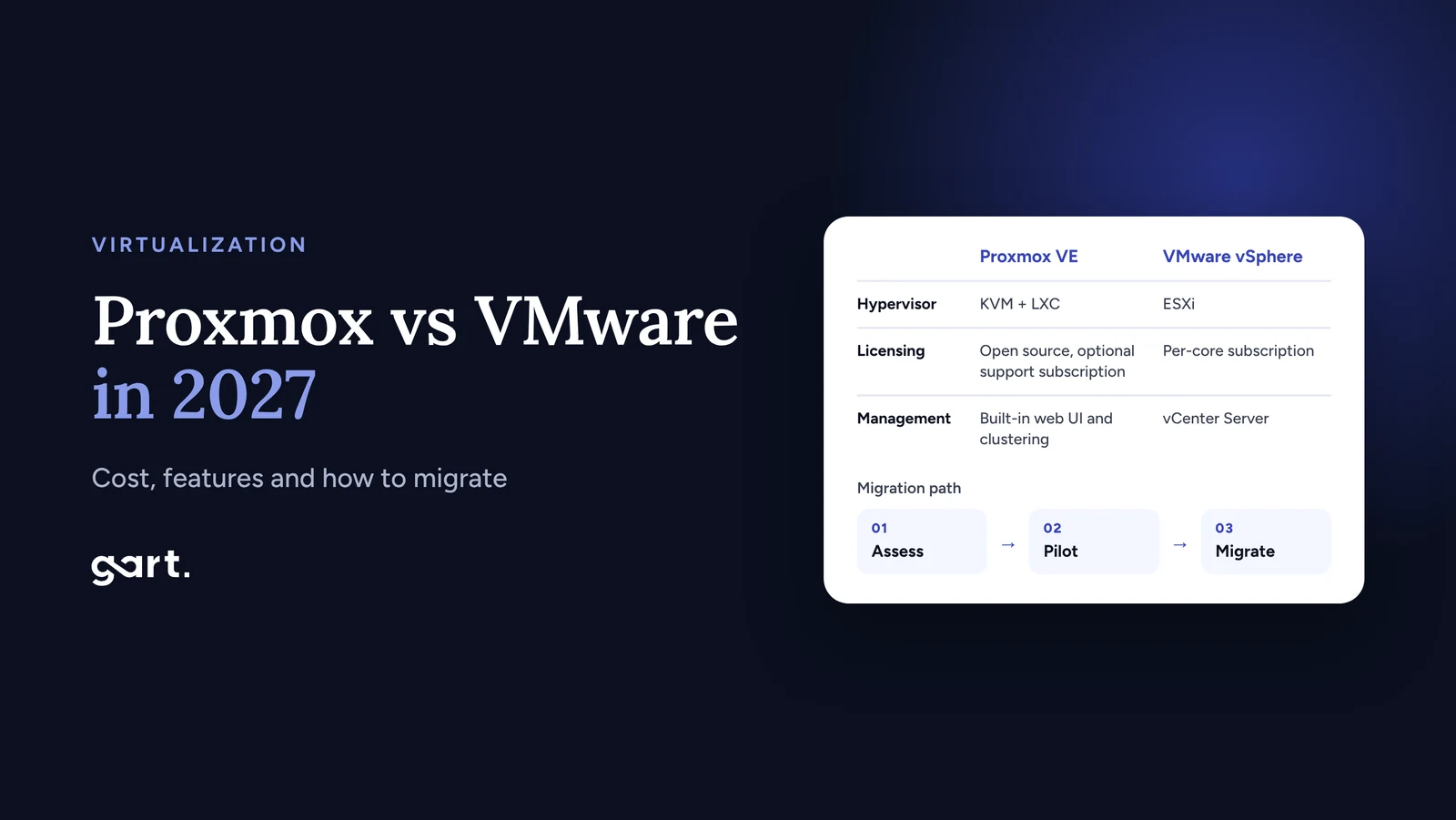
Quick answer: Proxmox vs VMwareProxmox VE is a free, open-source virtualization platform (KVM and LXC) with optional support priced per CPU socket. VMware vSphere, now sold inside VMware Cloud Foundation and vSphere Foundation, is a commercial platform priced per CPU core with a larger feature set and ecosystem. Proxmox costs far less and now covers most everyday needs, including clustering, high availability, backups and dynamic load balancing. VMware still leads in advanced networking, third-party integrations and very large estates. For most SMBs and mid-size companies leaving VMware, Proxmox is the strongest value option.
Proxmox vs VMware is now one of the most common questions in infrastructure teams. Broadcom’s move to per-core subscriptions has pushed many companies to look at Proxmox Virtual Environment, the open-source platform that went from homelab favourite to a serious enterprise option in just a few years.
This guide compares the two on cost, features, storage, backups, support and migration, with a realistic three-year cost example and a step-by-step plan to migrate from VMware to Proxmox. It is written by the engineers behind Gart Solutions’ infrastructure management services, who design, migrate and run on-premise and cloud environments. For the wider market, see our guide to VMware alternatives.
Thinking about Proxmox? In a free 30-minute call, a Gart architect will tell you whether your VMware workloads are a good fit and what you could save.Check if Proxmox fits
Proxmox vs VMware at a Glance
CriteriaProxmox VEVMware (vSphere in VVF / VCF)LicenceOpen source (AGPLv3), free to use in productionCommercial subscriptionPricing metricOptional support per CPU socketPer CPU core, minimum 16 cores per CPUHypervisorKVM for VMs, LXC for containersESXiManagementBuilt-in web interface on every node, Proxmox Datacenter Manager for many clustersvCenter Server and VCF OperationsClustering and HAIncludedIncludedLoad balancingDynamic Load Balancer (since 9.2)DRSStorageCeph, ZFS, NFS, iSCSI, Fibre Channel and morevSAN, VMFS, NFS, vVolsBackupsProxmox Backup Server (free), plus Veeam and othersThird-party tools such as VeeamNetworkingLinux bridges, SDN with VXLAN, EVPN, BGP and WireGuard fabricsvSphere Distributed Switch, NSX in VCFMigration from VMwareBuilt-in ESXi import wizardNot applicableBest forSMBs, mid-size companies, cost-driven exits, Linux-friendly teamsLarge enterprises using NSX and the wider VMware ecosystem
Cost: Proxmox vs VMware Pricing
The pricing models are fundamentally different. VMware charges per CPU core, so every new high-core processor raises your bill. Proxmox VE is free software, and its optional subscription is charged per occupied CPU socket, no matter how many cores that CPU has. According to the official Proxmox pricing page, production subscriptions cost about €370 per socket per year for Basic, €550 for Standard and €1,100 for Premium, and a Community subscription for access to the stable enterprise repository starts lower.
Example: a three-node cluster
Take a typical small production cluster: three servers, each with two 32-core CPUs. That is 6 sockets and 192 cores.
ItemProxmox VEVMwareWhat you license6 sockets (optional)192 coresYearly software costAbout €3,300 with Standard support (6 x €550), or €0 without a subscription192 cores x your VVF or VCF per-core priceThree-year software costAbout €9,900 with Standard support3 x the yearly per-core total, plus any price change at renewalEffect of a CPU upgrade to 64 coresNo change (still 6 sockets)Licence count doubles to 384 coresBackup softwareProxmox Backup Server is free; support optionalSeparate licence for a third-party backup tool
Put your own VMware quote into the right-hand column and the gap becomes clear. Remember to add one-off costs for the move: assessment, migration work, training and any tool changes. In most of the scenarios we model, these are recovered within the first year of avoided VMware fees.
Features Compared: What You Gain and What You Lose
CapabilityProxmox VEVMwareVerdictHigh availabilityHA manager with fencingvSphere HAEqual for most workloadsLive migrationLive migration of VMs and storage between nodesvMotion, Storage vMotionEqualAutomatic load balancingDynamic Load Balancer for HA-managed guests (new in 9.2)DRS, very matureVMware ahead on maturity, gap closingHyperconverged storageCeph, built in and managed from the web interfacevSANBoth strong; Ceph needs Ceph skillsContainersLXC system containers built invSphere Kubernetes ServiceDifferent approachesSoftware-defined networkingSDN with VXLAN, EVPN, BGP and WireGuardNSX with microsegmentation and advanced securityVMware ahead for complex network securityMulti-cluster managementProxmox Datacenter ManagervCenter linked mode, VCF OperationsVMware more matureThird-party ecosystemGrowing; major backup vendors now support ProxmoxLargest in the marketVMware aheadVendor lock-inOpen source, standard Linux and KVMProprietaryProxmox ahead
The headline change in 2026 is load balancing. Proxmox VE 9.2, released on 21 May 2026, added a Dynamic Load Balancer that uses real-time node and guest usage to move workloads across the cluster. That closes the gap most often cited by VMware administrators who relied on DRS.
Support, Updates and Lifecycle
VMware support is included in the subscription, with Broadcom as the single vendor. Proxmox support comes from Proxmox Server Solutions in Vienna through the subscription tiers, with response times from one business day (Basic) to two hours (Premium), and 24/7 support available on the higher tiers. Many companies add a partner like Gart for hands-on operations, monitoring and on-call cover.
Plan for each platform’s lifecycle. Proxmox VE 9 is based on Debian 13, and Proxmox VE 8 reached end of life in August 2026, so remaining 8.x clusters should be upgraded. On the VMware side, vSphere 8 reaches end of general support on 11 October 2027, which forces a move to version 9 or a different platform.
Want Proxmox without running it all yourself?
Gart Solutions designs, builds and operates Proxmox clusters for production: Ceph or ZFS storage, backups with Proxmox Backup Server, monitoring, patching and on-call support.
Cluster design sized to your workloads and hardware
Infrastructure as code with Terraform and Ansible
Managed operations with monitoring, updates and backups
Explore infrastructure managementTalk to an engineer
When to Choose Proxmox and When to Stay on VMware
Your situationBetter fitUp to a few hundred VMs, cost is the main driverProxmox VETeam is comfortable with Linux, or has a partner who isProxmox VEServers with many cores per CPUProxmox VE (per-socket pricing)EU data sovereignty and open-source preferenceProxmox VEEdge sites and remote offices with small hostsProxmox VEHeavy NSX microsegmentation and network securityVMwareThousands of VMs with deep VMware automation and toolingVMware, or a phased moveNeed a large enterprise HCI vendor with a big partner networkConsider Nutanix vs VMware
How to Migrate from VMware to Proxmox
Proxmox includes an import wizard that connects to an ESXi host, reads the VM configuration and brings the whole VM over, mapping most settings to Proxmox and keeping downtime short. For larger estates, plan the move in phases:
StepWhat to doTypical duration1. InventoryList VMs, operating systems, disks, networks, dependencies and VMware features in use (DRS rules, NSX, snapshots, vApps)1 to 2 weeks2. Design the clusterChoose storage (Ceph, ZFS or existing SAN), network layout, HA groups and backup targets1 to 2 weeks3. Build and testInstall Proxmox VE and Proxmox Backup Server, set up monitoring and access control, test failover1 to 2 weeks4. PilotImport 10 to 20 representative VMs, install VirtIO drivers on Windows guests, validate performance1 to 3 weeks5. Migrate in wavesMove workloads by risk level with the import wizard, test each wave and keep VMware as a rollback until sign-off2 weeks to 4 months6. DecommissionRetire ESXi hosts, cancel VMware subscriptions, update runbooks and DR plans1 to 2 weeks
The common pitfalls are Windows drivers (switch to VirtIO for performance), network naming and VLAN mapping, licence-bound applications that detect new hardware, and backups that must be recreated for the new platform. If you also plan to move some workloads to the cloud, combine this with a hybrid infrastructure design or a move to OVHcloud or Hetzner.
Need the migration done for you? Gart engineers plan and run VMware to Proxmox migrations in waves, with a Go/No-Go check and a rollback path for every step.See our migration services
Real Results from Gart Infrastructure Projects
Moving to Proxmox is about more than the hypervisor: it is a chance to clean up, rightsize and cut recurring costs. These projects show the approach we bring to every migration.
ProjectWhat we didOutcomeFluentUMoved a large language-learning platform to cost-efficient dedicated infrastructure, with data validation that caught 1,464 schema differences before cutoverAbout 78% lower infrastructure spend, roughly $87,000 saved per yearHigh-traffic workloads on HetznerDesigned infrastructure on dedicated European servers for demanding trafficLower cost per workload without losing performanceLeTextoAudited an on-premise environment for security, reliability and costPrioritised remediation plan within budget
Why Choose Gart for Your Proxmox Move
What you getWhy it mattersLinux and open-source expertiseProxmox runs on Debian, KVM and Ceph, the technologies our engineers use every dayVendor-neutral adviceIf Proxmox is not the right fit, we will tell you and compare Nutanix, Hyper-V or cloud optionsInfrastructure as codeClusters, networks and policies are reproducible with Terraform and AnsibleMigration plus operationsThe team that moves your VMs can also monitor, patch and back them up afterwardsIndependent infrastructure auditsA clear starting point with costs, risks and a migration roadmap
Cut your virtualization bill without cutting reliability.
Book a free consultation with a Gart architect. We will review your VMware setup, estimate your savings with Proxmox and outline a migration plan that fits your renewal date.
Free 30-minute review of your VMware environment
Three-year cost comparison: VMware vs Proxmox
Phased migration plan, then optional managed operations
Book a free consultationOrder an infrastructure audit
You Might Also Like
VMware Alternatives in 2027: 9 Options Compared and How to MigrateNutanix vs VMware in 2027OVH vs HetznerCloud Repatriation